
Click to download now, finish the installation quickly, and directly unlock the all-round experience
Screenshots
Click to download now, finish the installation quickly, and directly unlock the all-round experience
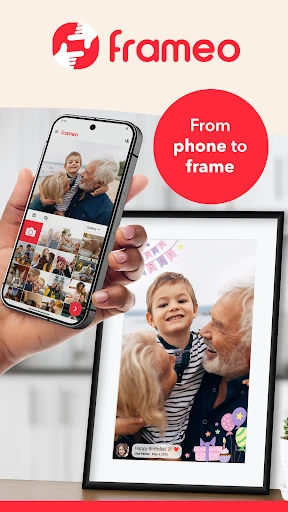
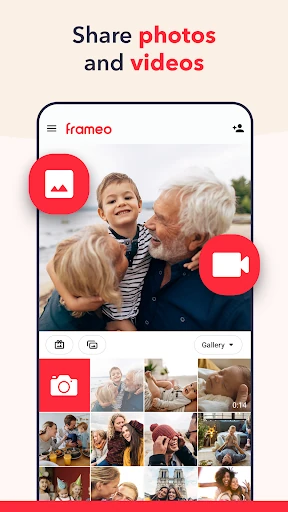
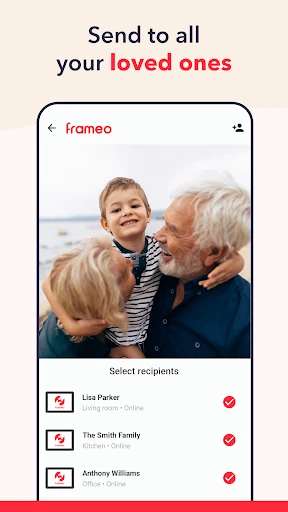
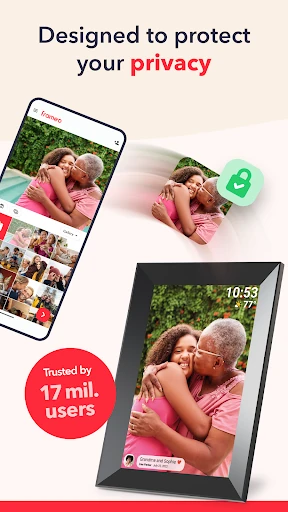
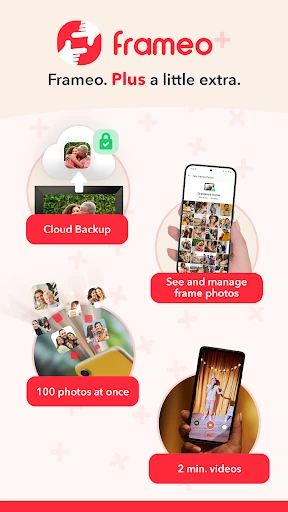
Frameo: Share to photo frames lets you send photos and short videos from an Android phone to a compatible Frameo digital photo frame. It suits families and friends who want to keep a shared display updated without relying on social media, especially when the frame is in another home or another location.
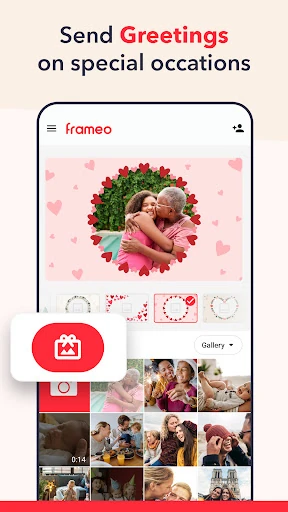
The main workflow is straightforward: choose media, select a connected frame, and send it. You can add captions to photos, making the app useful for everyday snapshots as well as birthdays, holidays, and family updates. Frame owners can also interact with shared photos through likes, giving senders a small sign that their images have been seen.
Frameo is built around a physical screen rather than a social feed. The recipient does not need to open an app or scroll through messages to see new family photos; the images appear on the connected frame. That focused design is its main advantage, though it also means the app is only useful if you have access to a compatible Frameo display.
With a rating of 4.78 from 115,919 reviews and more than 5,000,000 installs, Frameo has broad adoption in the Photography category. The developer is Frameo. Pick it if your priority is sending personal photos directly to a dedicated digital frame, not managing a wider online photo library.