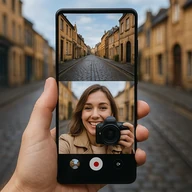
Click to download now, finish the installation quickly, and directly unlock the all-round experience
Screenshots
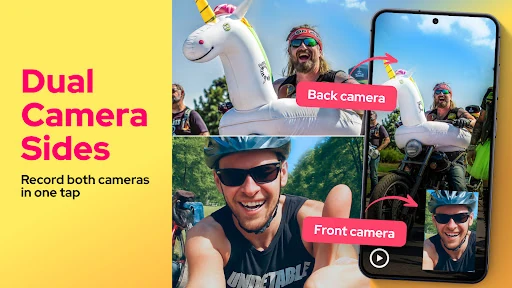
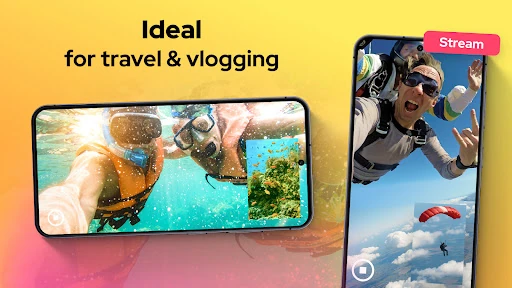
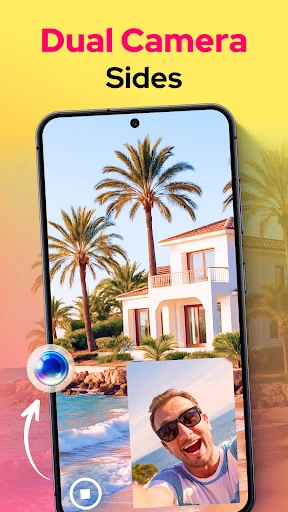





Click to download now, finish the installation quickly, and directly unlock the all-round experience
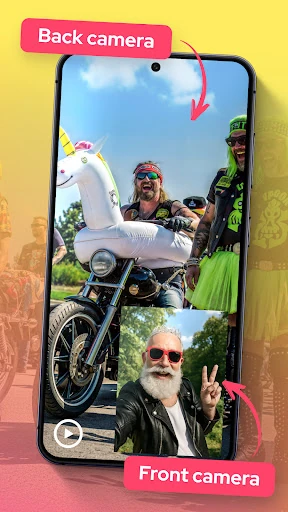
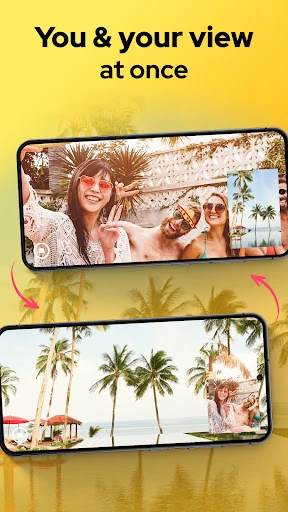
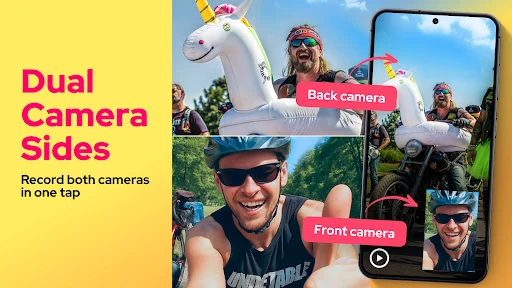
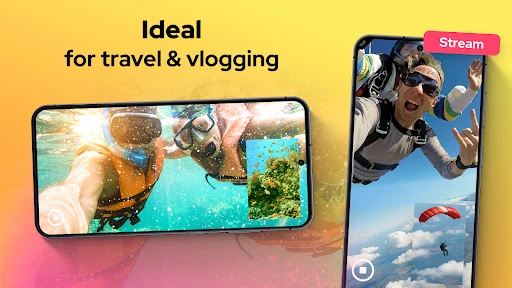
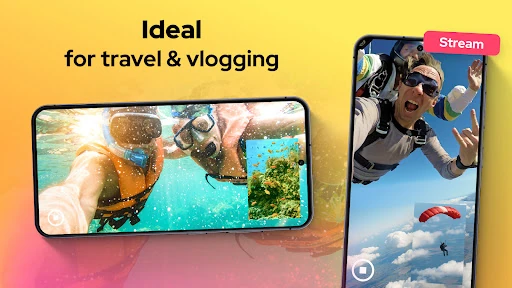
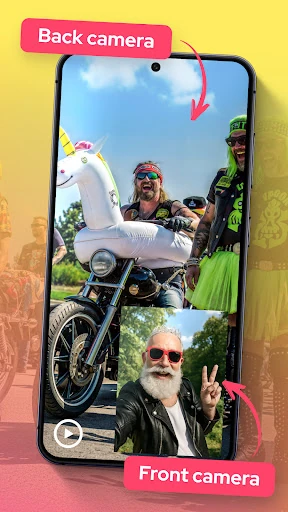
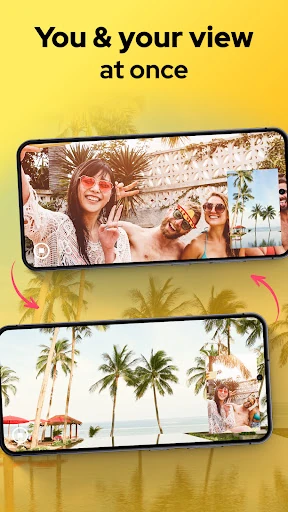
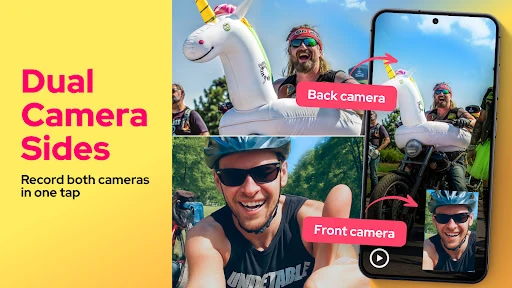
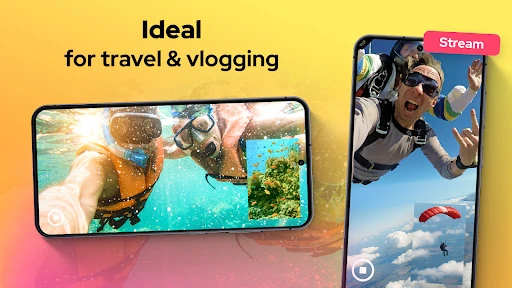
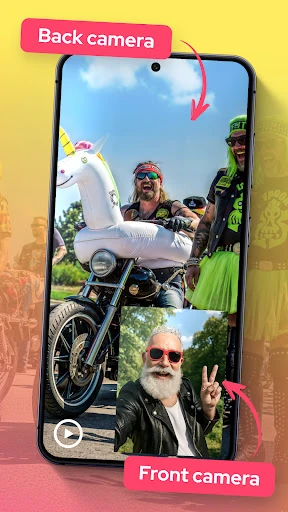
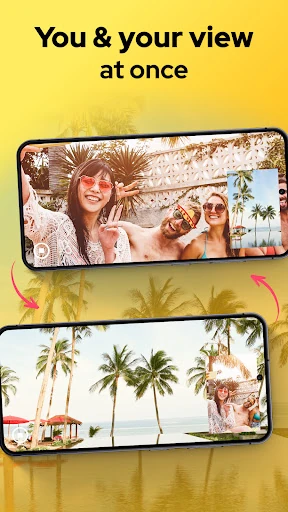
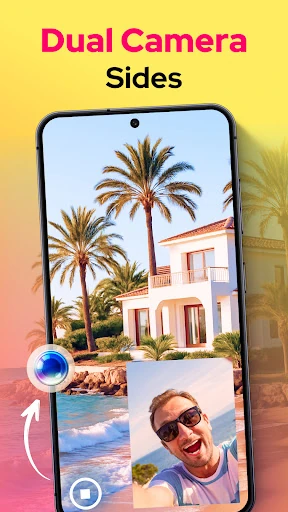
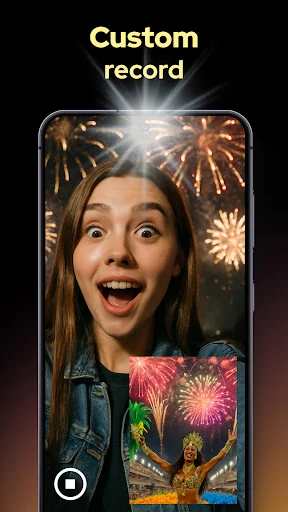
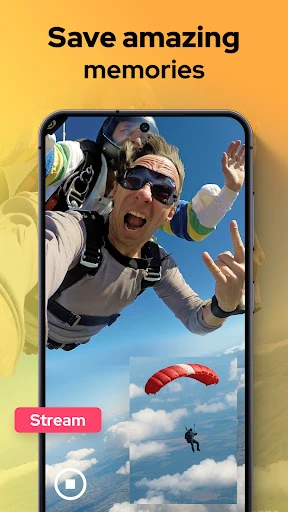
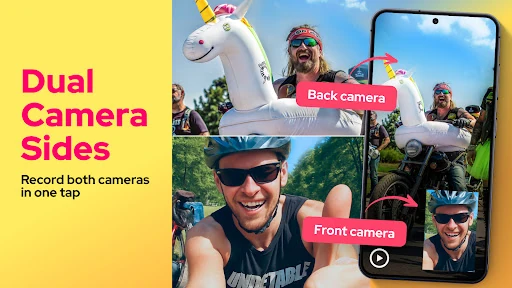
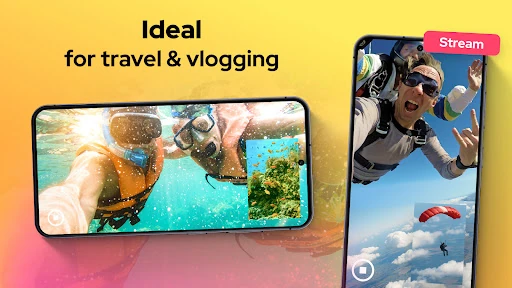
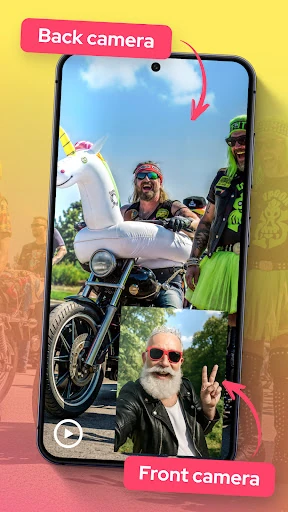
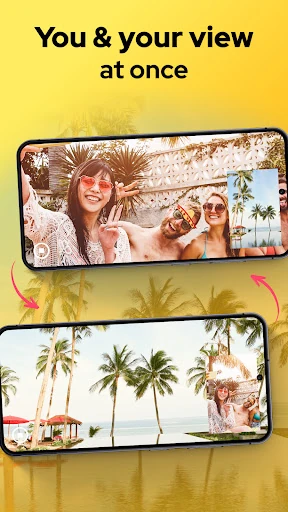
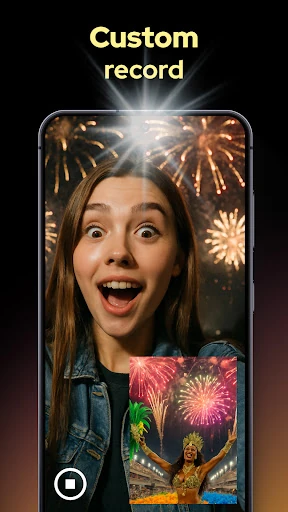
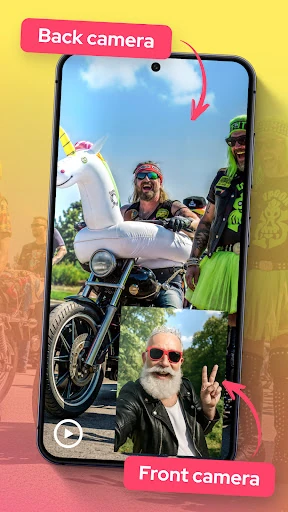
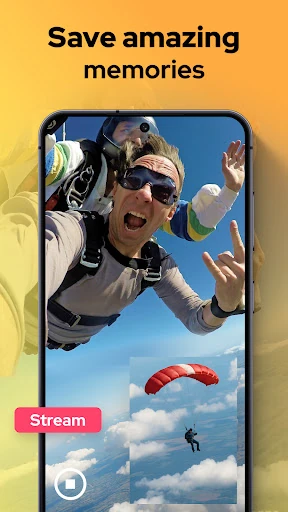
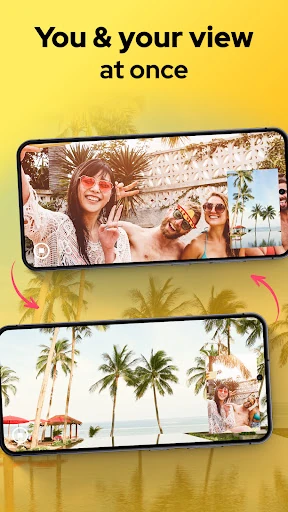
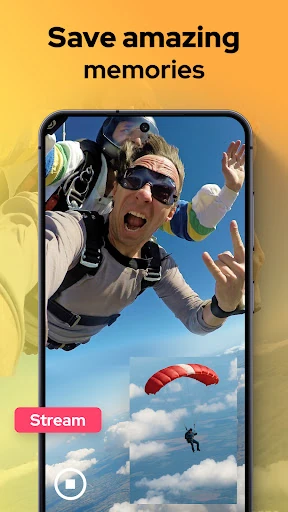
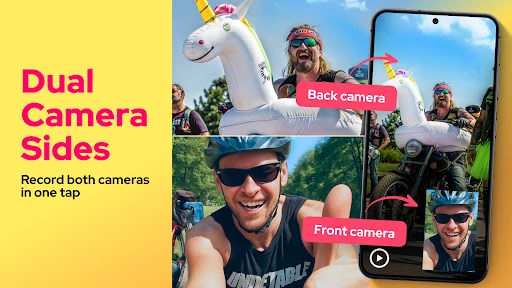
Dual Camera Sides records from a phone’s front and rear cameras at the same time. It is aimed at people who want to show both sides of an event in one recording: your reaction and the scene in front of you, an interview and the surrounding setting, or a demonstration and the person explaining it. The app sits in Libraries & Demo, so it also makes sense as a practical example of what a device’s camera hardware can do.
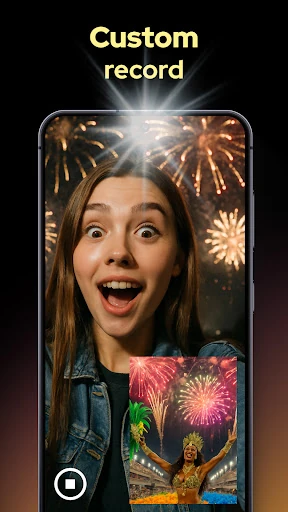
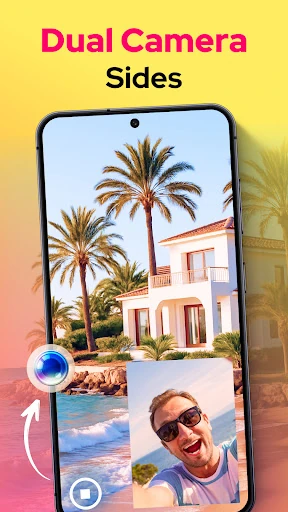
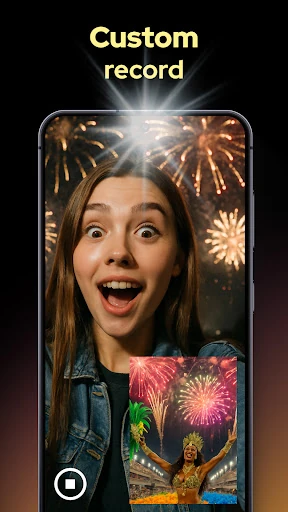
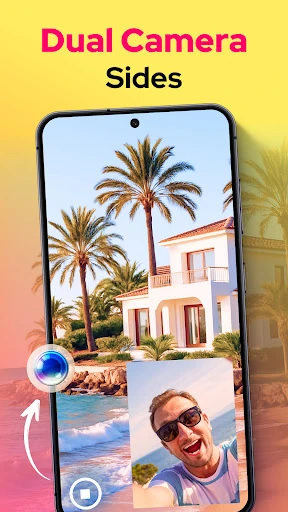
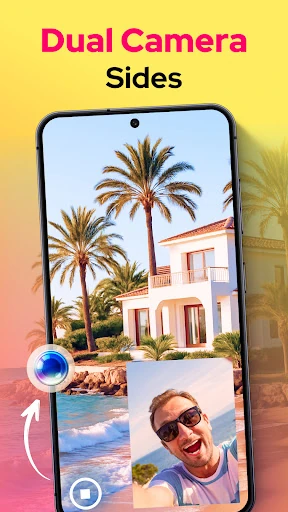
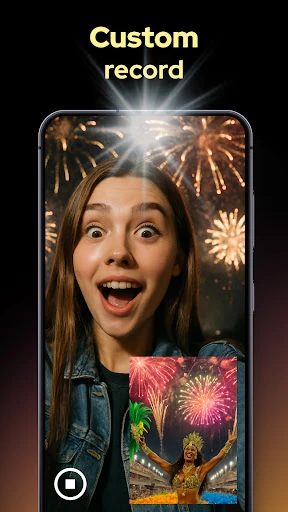
The useful idea here is simple: capture two viewpoints together instead of trying to line them up later. Dual Camera Sides supports combined layouts such as picture-in-picture and split screen, letting you decide how the two camera feeds should appear. That makes it more suitable for reaction clips, walkthroughs, and informal reporting than a standard single-camera app.
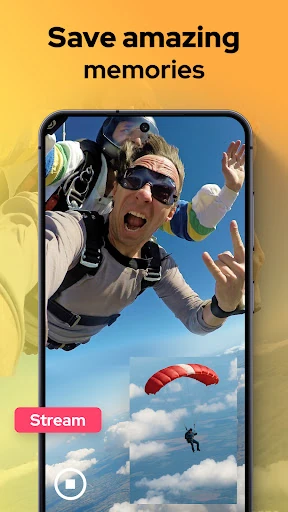
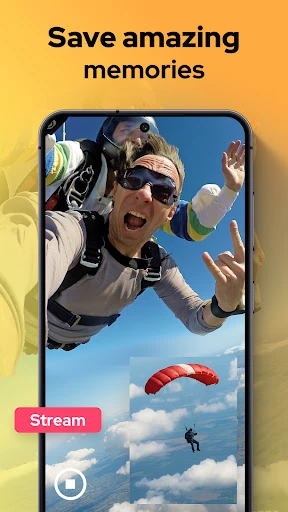
The app includes controls for focus, brightness, and exposure, which can help when the front and rear cameras see very different lighting. It can also take a still image while video capture continues. These are practical additions, although the experience will depend heavily on the phone’s camera support and processing power. Older or less capable devices may not handle simultaneous camera use as smoothly.
With 100,000+ installs and 4,999 ratings, Dual Camera Sides has found a real audience, but its average score of 2.99 suggests that the results are not consistently satisfying for everyone. Pick it if you specifically need front-and-rear capture or want to test dual-camera behavior. Skip it if you only need a dependable everyday camera. It is a focused tool rather than a replacement for a polished general-purpose camera app, published by One Music Player.