
Click to download now, finish the installation quickly, and directly unlock the all-round experience
Screenshots

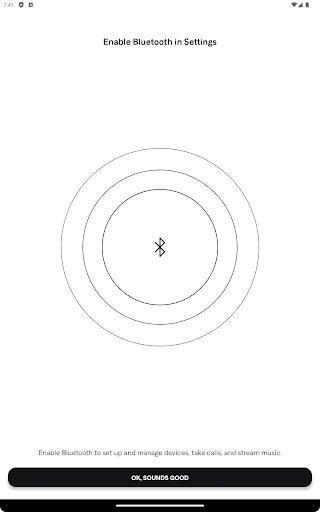
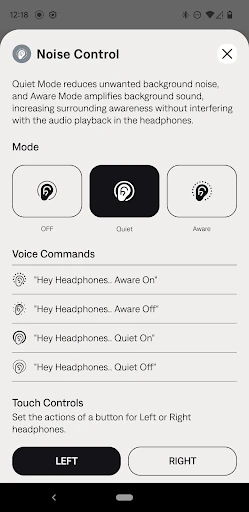
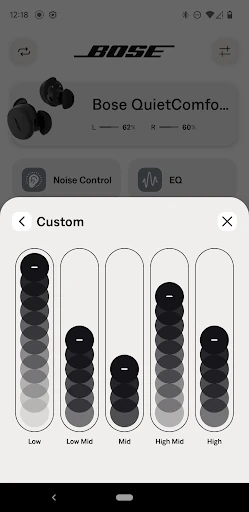
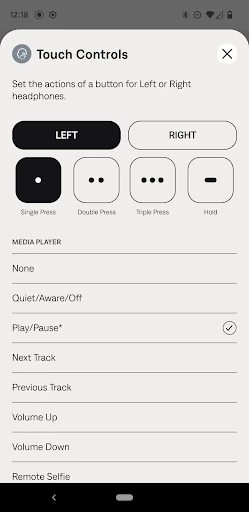
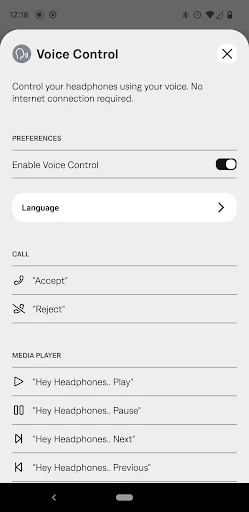
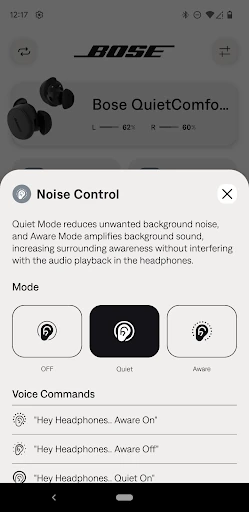

Click to download now, finish the installation quickly, and directly unlock the all-round experience
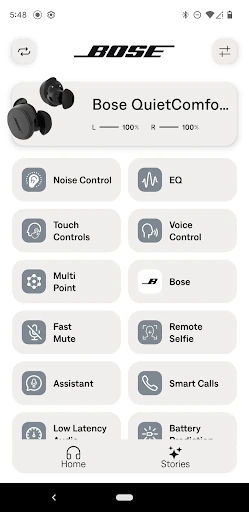
Bose QC Earbuds is the companion app for people who use Bose wireless earbuds and want more control than the standard Bluetooth menu provides. It lets you manage supported earbuds, check battery status, adjust listening modes and shape the sound to suit different music or personal preferences. If you do not own Bose QC Earbuds, this app has little practical use.
The main reason to use this app is convenience. Bose puts several settings that would otherwise be hidden behind button combinations or phone menus in one clear control panel. The layout focuses on the settings you are most likely to need, so changing noise control or checking power does not take much searching. The equalizer is particularly useful if the default tuning does not suit your preferred genres or listening habits.
With a 4.66/5 rating from more than 20,000 reviews and 500,000+ installs, the app has a strong record among its intended audience. It is published by Bose Corporation in the Music & Audio category. The limitation is straightforward: this is a hardware companion, not a general music player. Its value depends on owning compatible Bose earbuds, but for those users it is the practical way to get the most from them.